Daily Start Up
Important
Only trained personnel must operate the printer.
Daily Start Up Checklist
Important
The following checklist must be completed before to start production day.
The customer is responsible for all the items on the checklist and must to follow all the procedures related below to ensure good equipment operation and quality output jobs.
Power Up
Turn on the main switch.
Turn on the computer system.
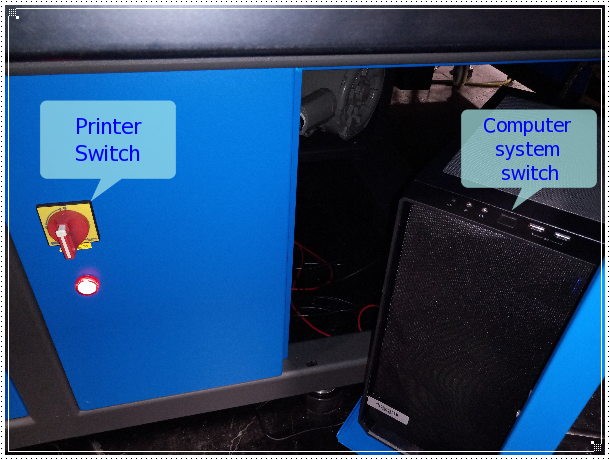
Wait 2 minutes for the network initialization.
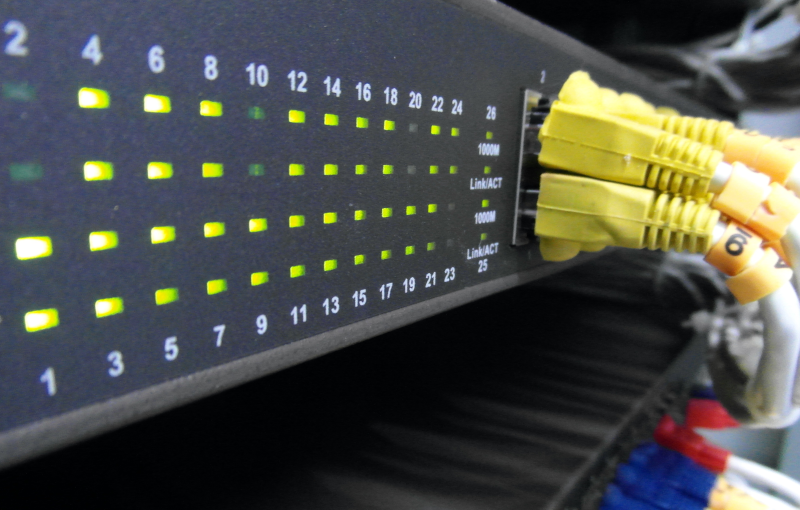
Checking Network connections
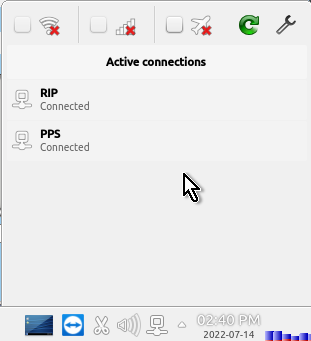
Open the network editor
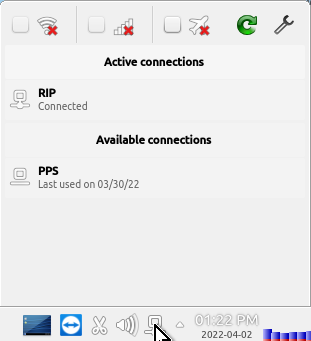
Check the network connections. If is not connected, press the “Connect” button
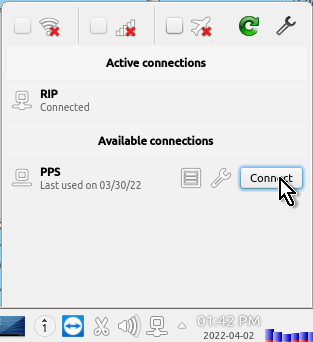
Check the PPS network connection ready prior to run the Launch application.
Printer Initialization
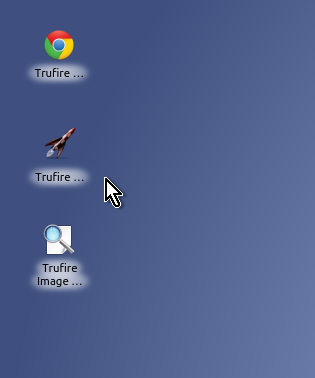
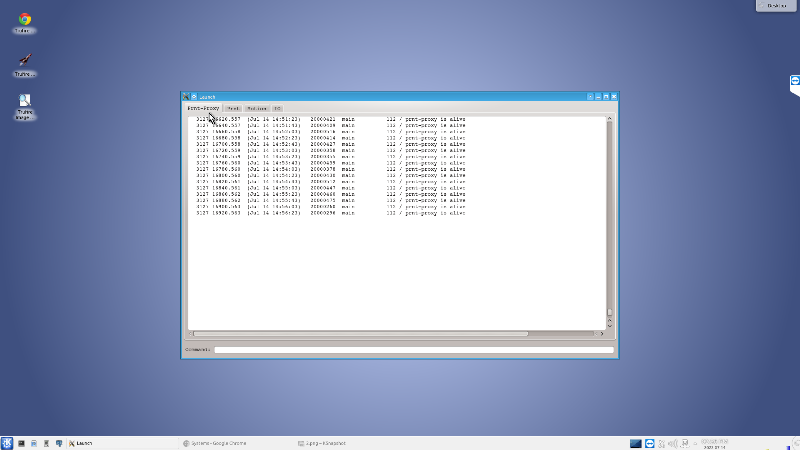
Run the TruFire Launch application from the desktop.
The image below shows the Launch appliction running.
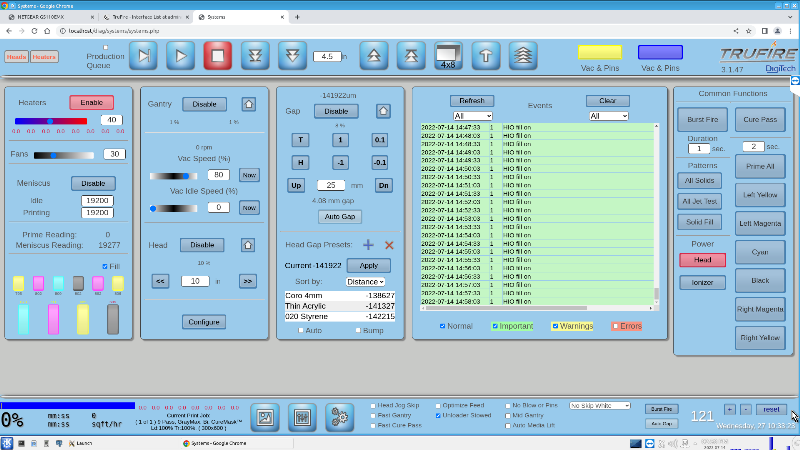
Run the TruFire GUI application from the desktop.
The image below shows the TruFire GUI running.
Motion System
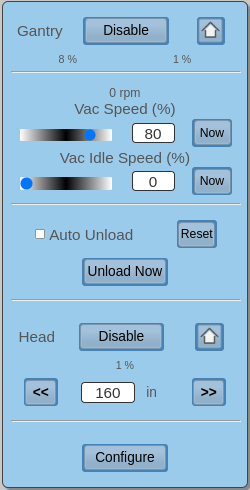
Home the Gantry. Make sure the gantry is towards the front. If needed to move mannualy do not slam the gantry with the hard stops.
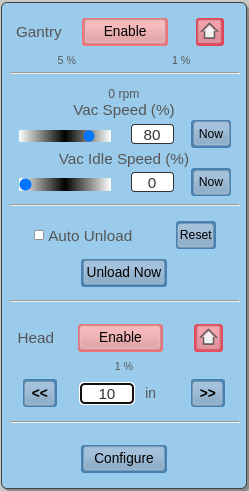
Home the Head Carriage. Make sure the headbox is at home position. If needed to move mannualy do not slam the headbox with the hard stops.
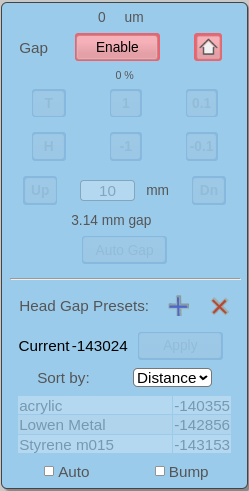
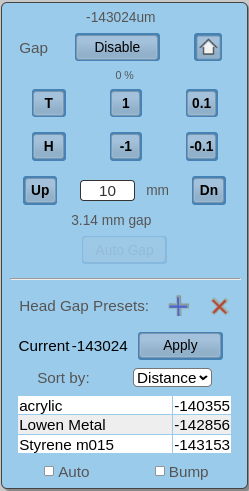
Home the Head Z Motor. Make sure the head is close to the home position then press the home icon.
Cleaning Requirements
Wipe the heads with lint free embed TruFire Flush.
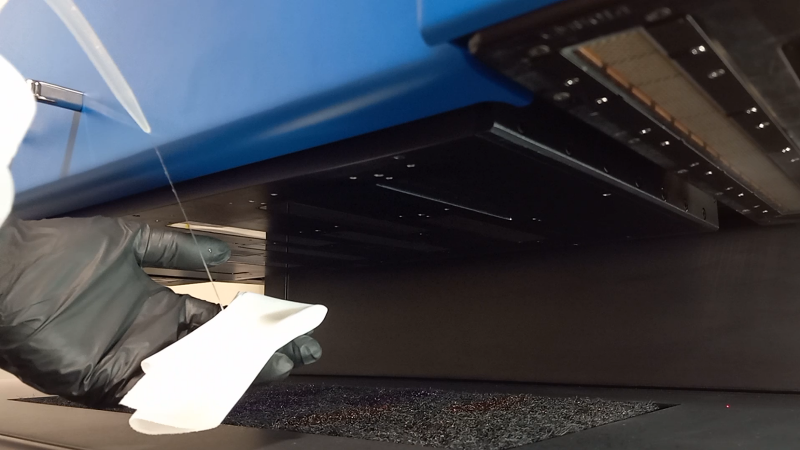
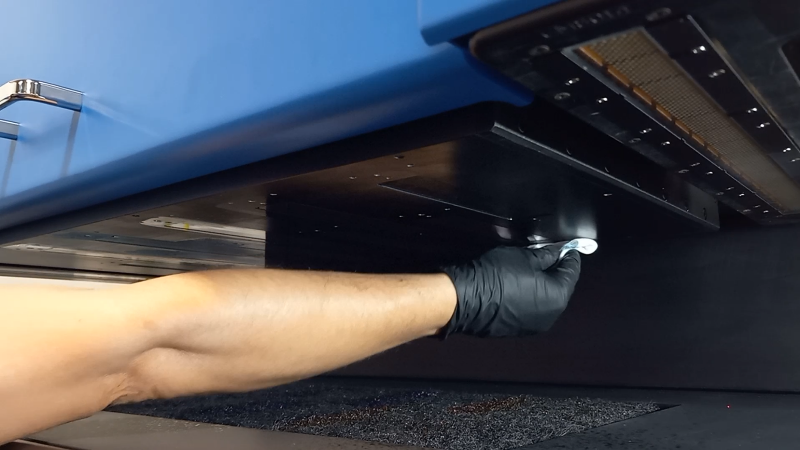
Wipe the printhead plate with lint free embed Trufire Flush.
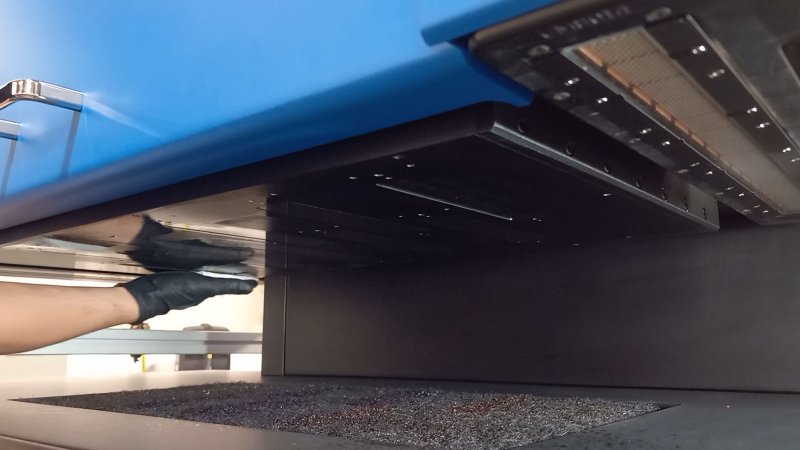
Wipe the UV lamps with lint free embed IPA (isopropyl alcohol 99%)
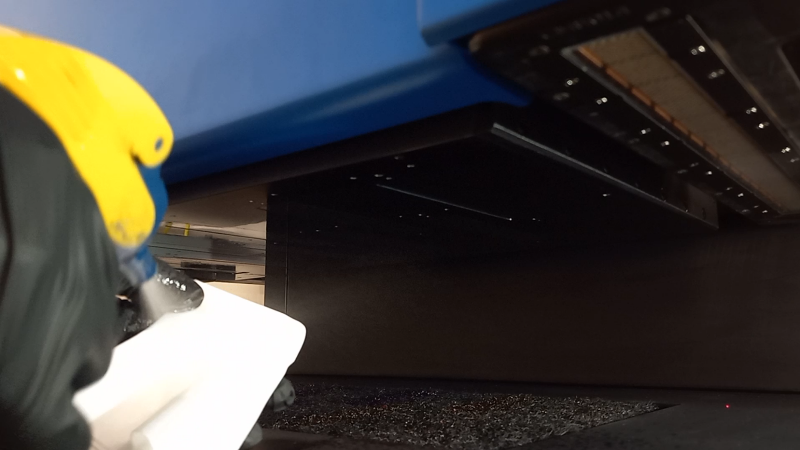
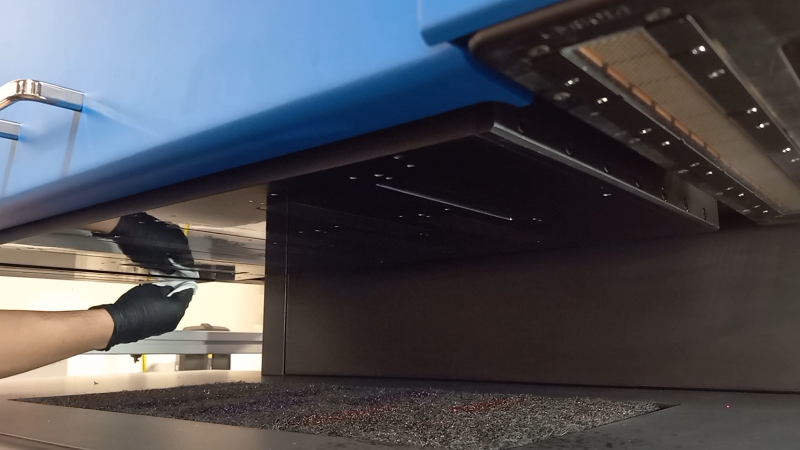
Wipe the head crash sensors with lint free embed IPA (isopropyl alcohol 99%)

Wipe the home area with IPA alcohol.

Wipe the table and remove cure ink residues.

Wipe the printer.
Priming the printheads
Check the ink levels on the GUI. Red readings the ink bucket is empty, yellow readings the ink bucket is half full and black readings the buckets are full.

Three seconds Prime all from the GUI.
Move the Head to the maximum height.
Wipe the printheads with lint free.
Home the Head.
Daily White Procedure
Make sure the manual valve is in the ON position allowing the white ink to flow from the upper reservoir to the lower reservoir.

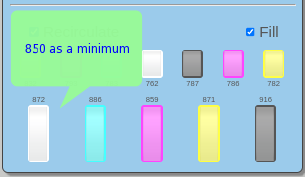
Make sure the bucket has enough white ink (850 level as a minimum) otherwise, the re- circulation will turn off.
Preparing Media for Print
Pins up from GUI or the pedal.
Place material over the table and align with the pins.
Pins down from GUI or the pedal.
Autogap the material from the GUI.
Run Jet Test from the GUI.
Run All Solids from the GUI.
Starting Production
From the GUI layout pick an image.
According to the media set Jet Mode and Pass.
Print the job.